A Better API Debugging Experience on macOS
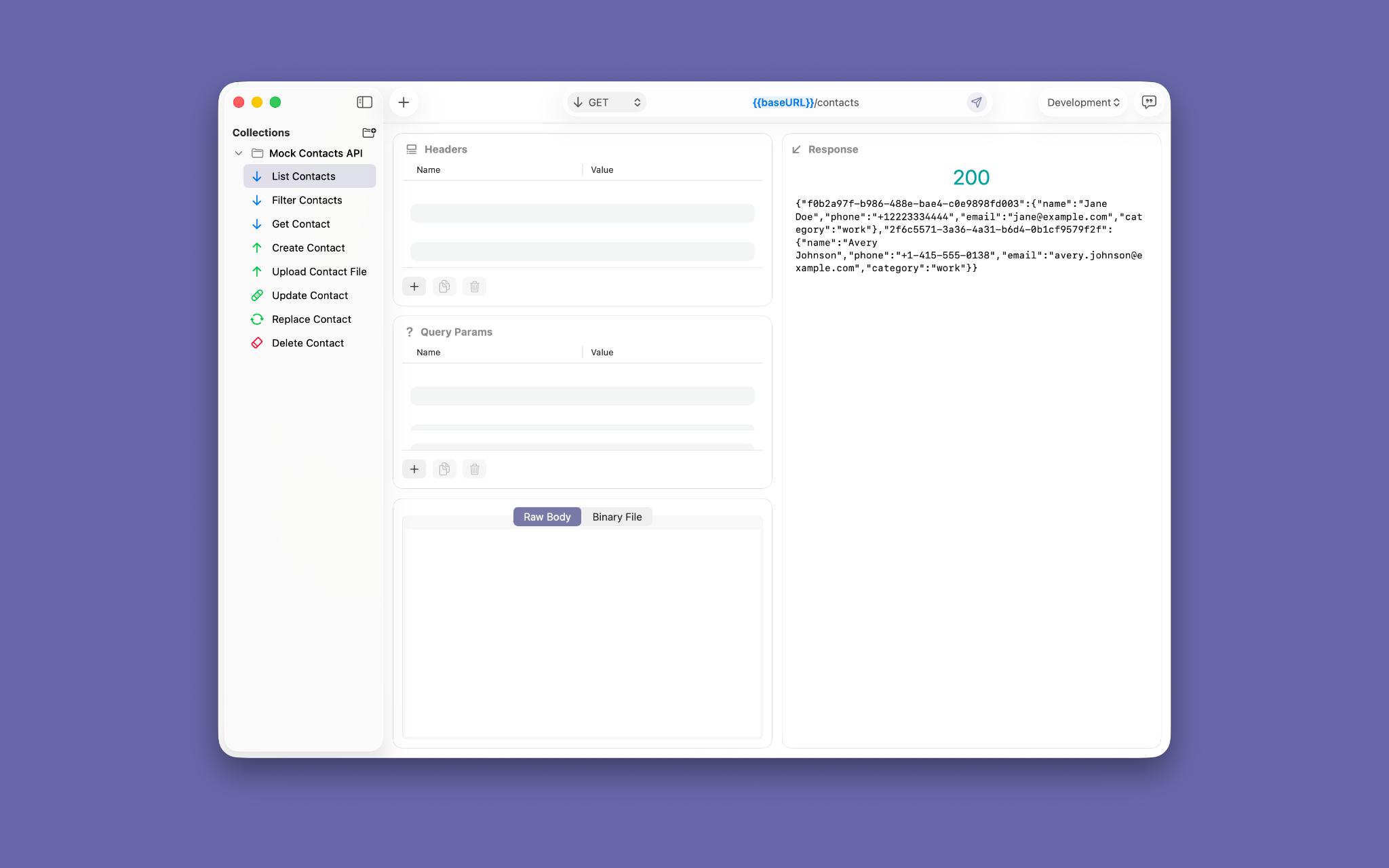
API debugging is rarely about sending one request. It is the repeated loop of setting up an endpoint, shaping the data, reading the response, and trying again until the behavior makes sense. A clear debugging workflow matters because every interruption between those steps makes it harder to understand what your application is actually doing.
For developers working on a Mac, the tool used for that loop should feel as considered as the code being tested. It should be quick to open, easy to understand, and focused on the information that helps you make the next decision. That is the idea behind Requesto: a native macOS HTTP client designed to make API debugging feel more direct.
Debugging Is an Iteration Loop
The first request is often only the beginning. You may be checking whether a route exists, confirming authentication, comparing a response after a code change, or reproducing an issue reported by another developer. In each case, the useful work happens across several small decisions: which method to use, which URL to call, which headers to send, and what the response tells you.
When those decisions are spread across multiple tools, debugging becomes unnecessarily expensive. You copy a URL from one place, assemble a payload somewhere else, search for a saved token, and then lose the response among unrelated logs. The fastest path to an answer is usually the one that keeps the request and its result together.
Requesto is built around that principle. An endpoint gives you a place to keep the details of a request, while the response gives you immediate feedback about what the server received and returned. The result is a small, repeatable workspace for asking precise questions of an API.
1. Create an Endpoint You Can Return To
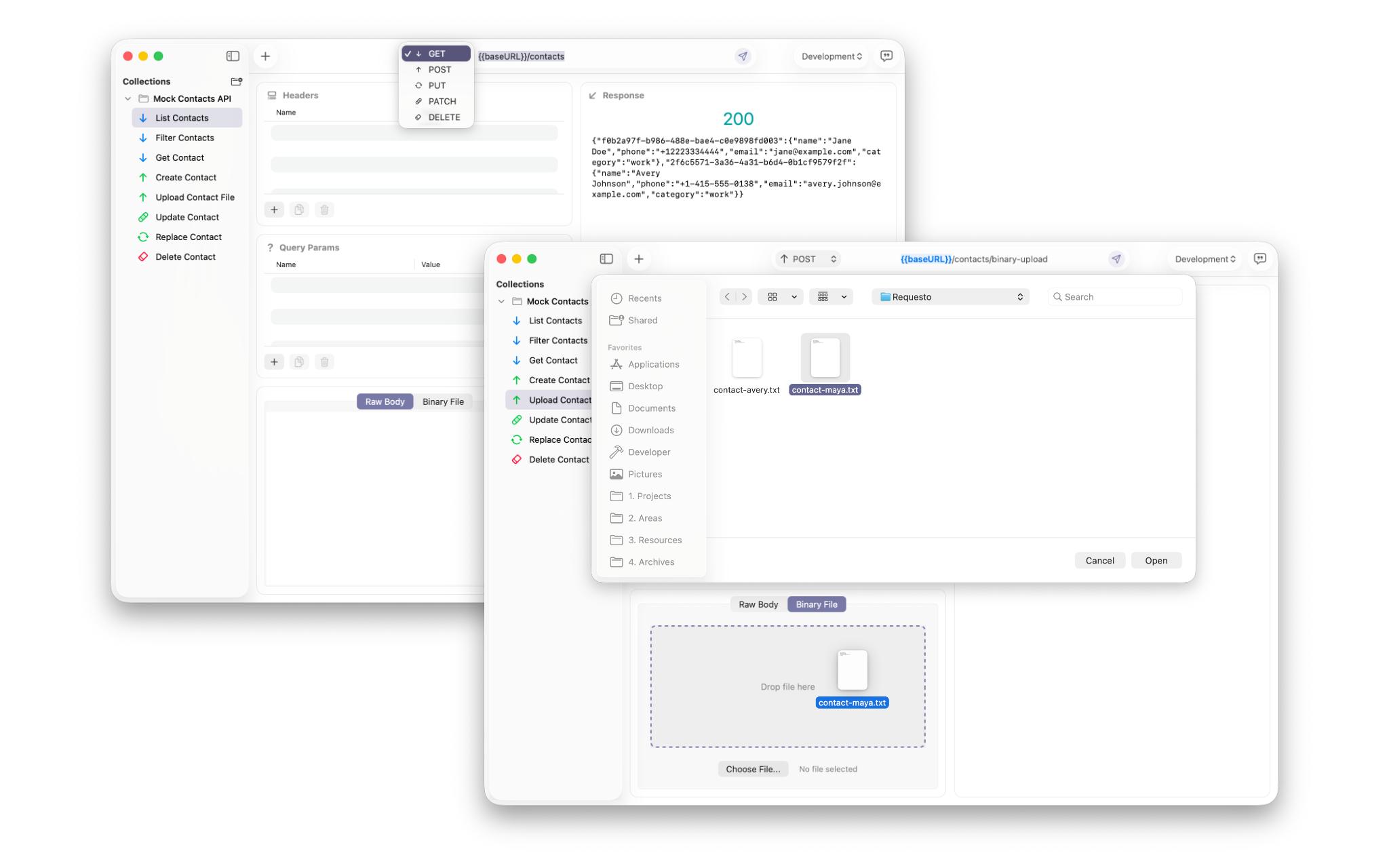
Good debugging starts with a stable starting point. Instead of rebuilding the same request every time, create an endpoint for the route you are investigating. Give it a useful name, choose the HTTP method, and enter the URL. A name such as “Create invoice — staging” communicates far more than a generic label like “Test 3.”
This small amount of organization pays off when an investigation stretches across an afternoon or returns a few days later. You can recognize the request immediately, remember its purpose, and change one detail at a time. A reusable request reduces repeated setup, leaving more attention for the behavior you are trying to understand.
2. Shape the Request Precisely
An API can only respond to the request it receives. A missing header, an incorrectly encoded parameter, or a body that is almost—but not quite—valid can send debugging in the wrong direction. The goal is not to add complexity; it is to make each input explicit enough that the result is meaningful.
Use headers for the context the server needs, query parameters for values that belong in the URL, and the request body for the data being submitted. Keeping these parts visible makes it easier to compare a successful request with a failing one. Small request details often explain large failures.
Raw body input is also valuable during development because it lets you work with the exact payload your application is expected to send. You can test a minimal object, add a field, remove a field, and observe the difference without first building a complete user interface or waiting for another system to produce the data.
This is where a focused client can be more useful than a large platform. You do not need a full collection of team-management features to answer whether an endpoint accepts a particular JSON document. You need a clean place to express the request and a reliable way to send it.
3. Send Data and Inspect the Response
Once the request is ready, send it and read the result as evidence. Start with the status code, then look at the response body and the details around it. A 200 response may confirm that the route ran while still revealing an incorrect value in the payload. A 400 response may show that the server is reachable and the problem is limited to validation. A 500 response may point the investigation toward server-side behavior.
The response is not merely a pass-or-fail label. It is a record of the conversation between your client and the API. Readable response feedback shortens the distance between an unexpected result and the next useful hypothesis.
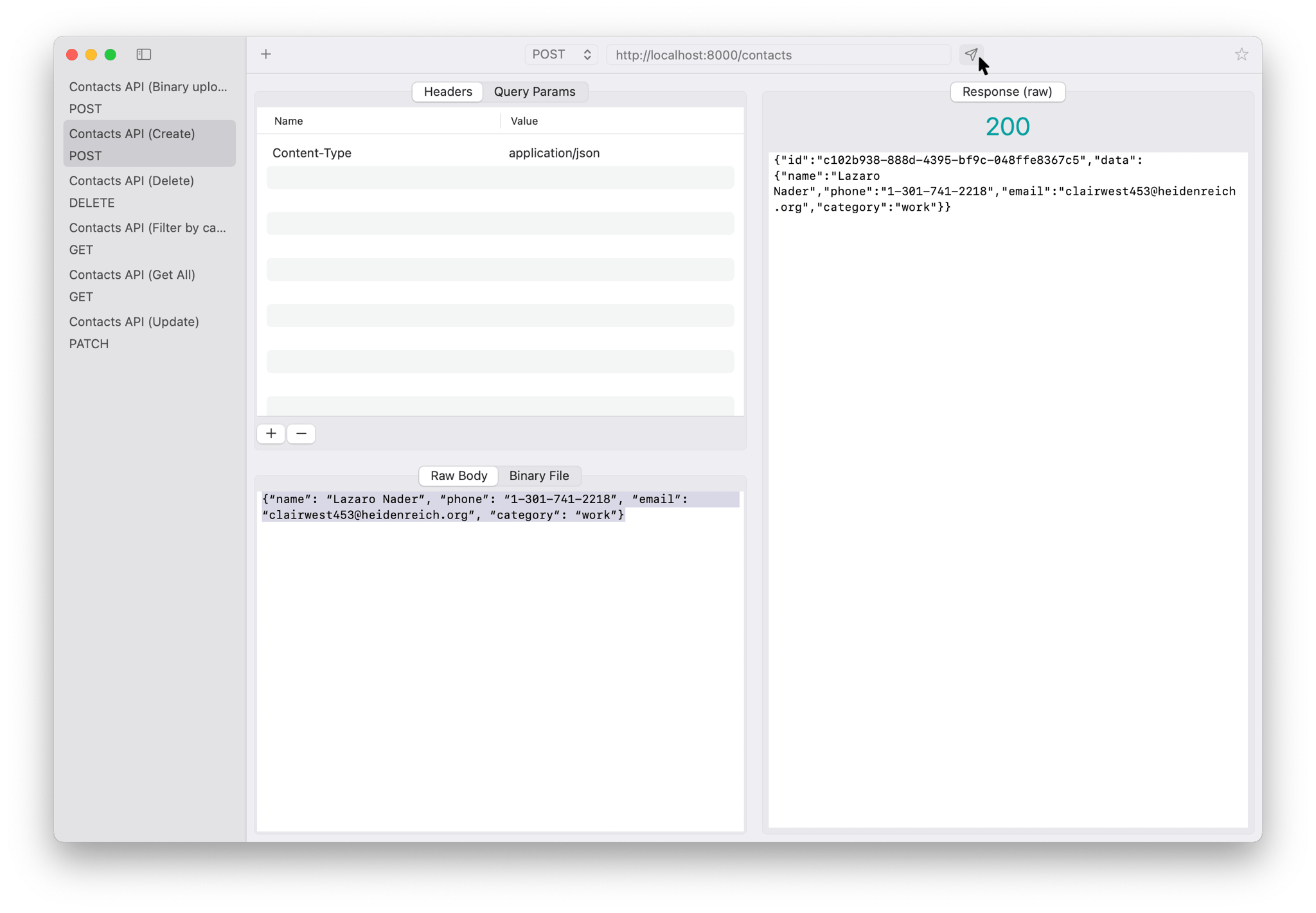
Raw output is especially useful when you are checking a newly added field, tracing an error object, or comparing two versions of an endpoint. You can see what the server actually returned instead of relying on an abstraction that might hide the detail you need.
4. Iterate Without Losing Context
Most debugging sessions are controlled experiments. Change one thing, send the request again, and compare the result. If the endpoint fails with a complete payload, remove one field. If authentication succeeds but authorization fails, change the relevant header or account context. If a response is technically successful but semantically wrong, adjust the input and look for the smallest meaningful difference.
The quality of this process depends on how easily you can make those changes. A crowded interface introduces friction at exactly the moment when you need to stay curious. Quick iteration turns uncertainty into evidence because every request helps eliminate another possible explanation.
Requesto keeps the essential parts of the workflow close together: endpoint details, headers, query parameters, raw body input, and raw response output. You can move from observation to adjustment without changing applications or reconstructing the request from memory.
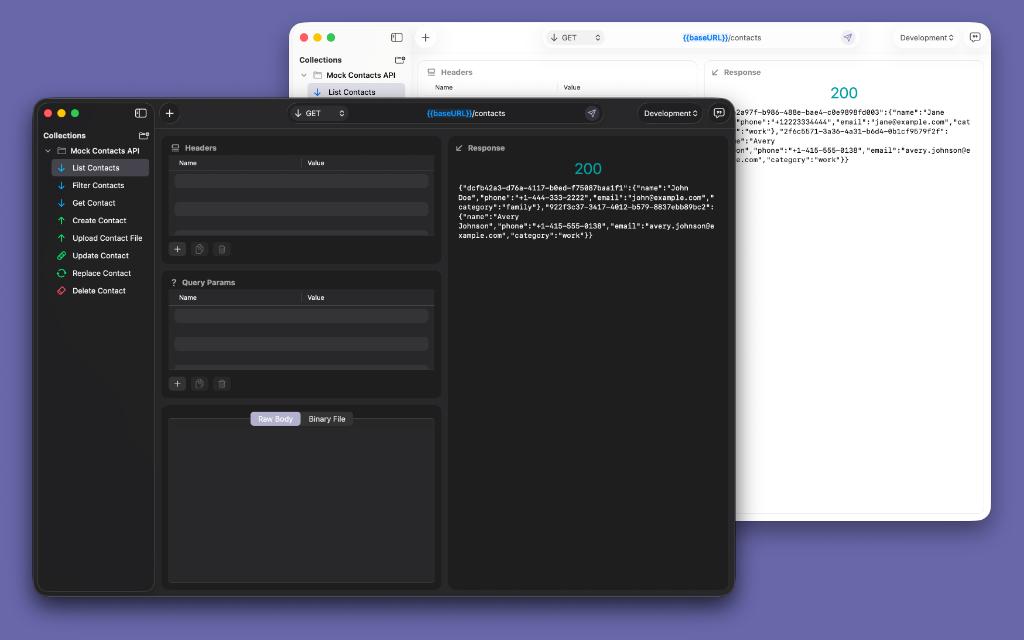
That simplicity is not only helpful for experienced API developers. It is useful when joining a new project, learning how an unfamiliar service works, or explaining an integration to a teammate. A request that can be read at a glance is easier to review and easier to improve.
A Native Mac Tool for Focused Work
The Mac is often where developers spend the most time writing, reviewing, and testing code. A debugging companion should respect that environment. It should open quickly, make good use of the available space, and avoid turning a focused task into an account-management exercise.
Requesto is designed for developers who want a lightweight native workflow for APIs. Its purpose is straightforward: define an endpoint, send a request, inspect the response, and try the next variation. That focus makes it suitable for daily checks as well as deeper investigations into an integration.
Some teams need extensive automation, generated clients, or shared collections. Those tools have their place. But many API questions are small and immediate: Does this route accept the body? Is this header present? What changed in the response? For those questions, less friction means more useful feedback.
Make the Next Request Better
An API client earns its place by helping you make progress between requests. The value is not only in the send button; it is in the clarity before the request, the feedback after it, and the speed of the next iteration. When those pieces work together, debugging becomes a conversation with the system instead of a sequence of disconnected chores.
If you work on macOS and want a simpler way to explore endpoints, test payloads, and inspect responses, try Requesto and download it from the Mac App Store. Give your next debugging session a faster, clearer workflow for APIs.